



Your PC deserves professional care.
We repair, clean, and upgrade your computer. Whether it's overheating, unstable, or you simply want to boost its performance, we're here to help. We diagnose issues and recommend improvements, all aimed at making your computer run faster and more reliably.
 Free Diagnostics
 Service Within 5 Days
 Pickup Services Throughout the CZ & SK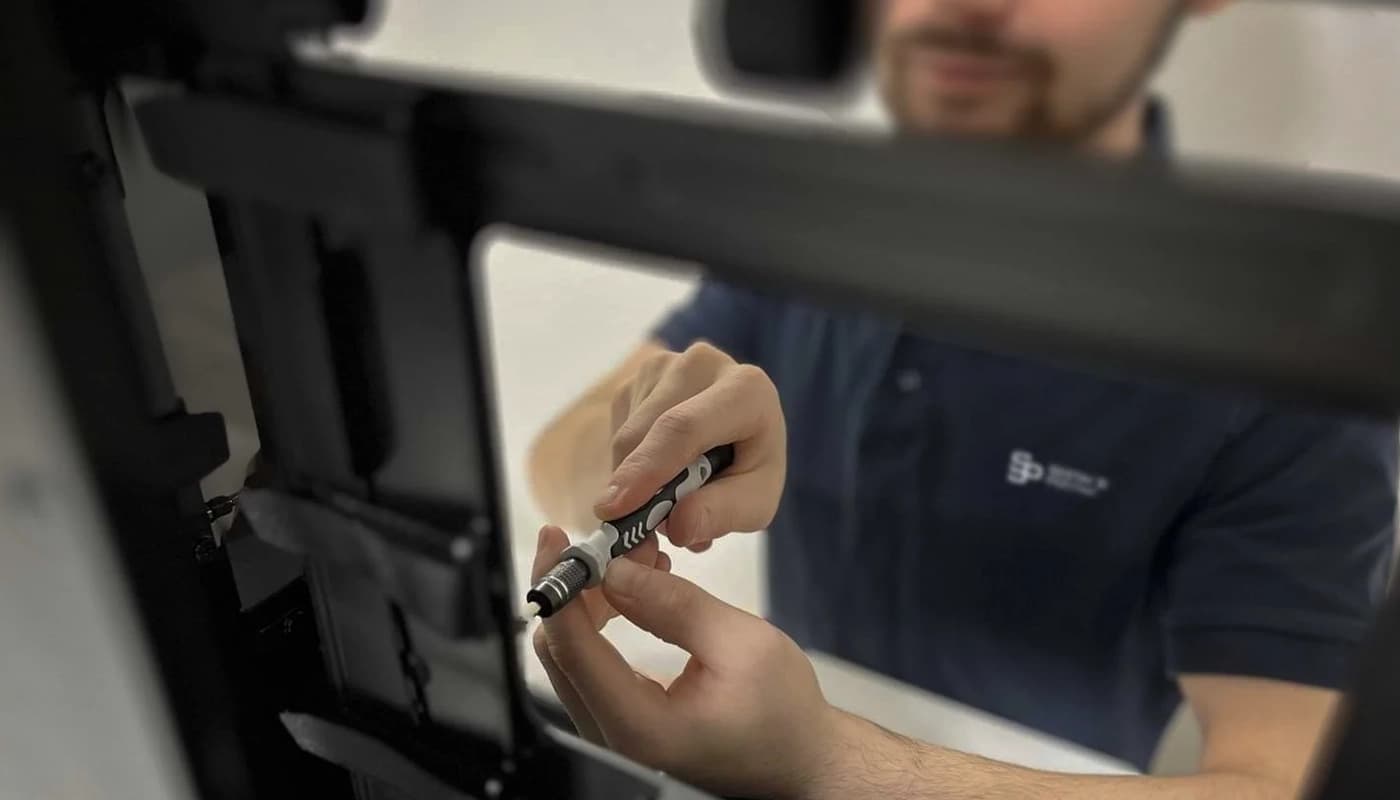
Is there something wrong?

PC Is Overheating
Noisy fans, thermal throttling, unexpected shutdowns. Old thermal paste and clogged coolers.

Unstable System
Blue screens, freezing, and slow startups may be caused by RAM, the hard drive, or an incorrectly configured BIOS.

Outdated Hardware
Games and applications no longer run smoothly. Upgrading one component can completely enhance the experience.
How We Can Help You
Processor Upgrade
CPU replacement, including a compatible motherboard and cooling system.
Starting from CZK 500 + componentsGraphics Card Upgrade
Installation of a new GPU, including power supply and compatibility checks.
Starting from CZK 500 + componentsMemory Upgrade
Add or replace RAM for smoother multitasking.
Starting from CZK 300 + componentsStorage Replacement
System migration to an NVMe SSD. A significant speed boost.
Starting from CZK 500 + componentsCooling Replacement
New cooler, thermal paste replacement, and airflow optimization.
Starting from CZK 400 + componentsFull service
Diagnostics, cleaning, thermal paste replacement, BIOS update, and testing.
Starting from CZK 990Your computer is in good hands
4 steps to repair, upgrade, or enhance performance.

Contact Us
Describe the issue or desired upgrade, and we will advise you free of charge.

Diagnostics
We will conduct a thorough diagnostic of your PC to identify the underlying issues.

Quote
We will provide you with a clear quote with no hidden fees.

Completion
Once approved, we will perform the PC upgrade or repair, thoroughly test all components, and deliver it ready for use.
Professional Component Tuning
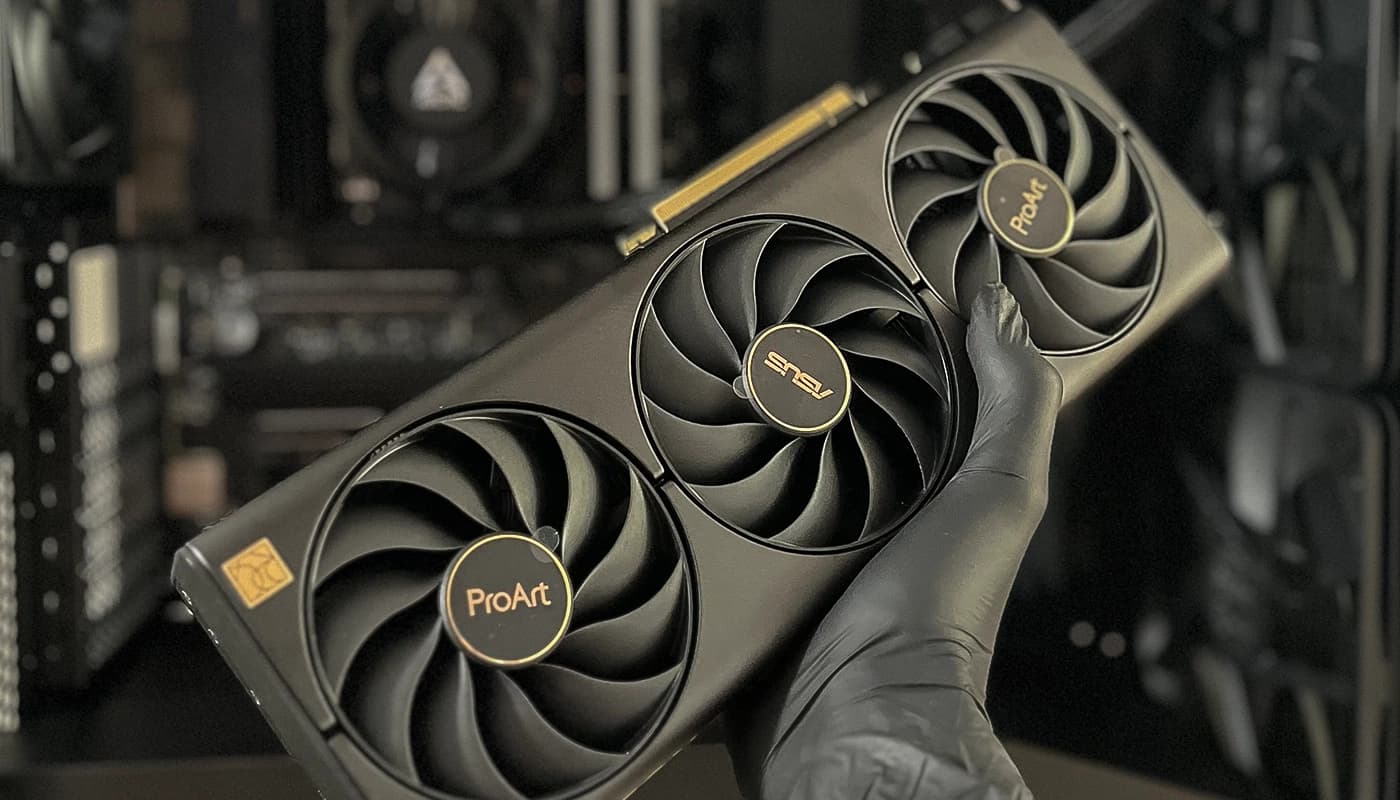
As part of our service, we also tune the CPU, GPU, and the entire BIOS. Everything is optimized for more efficient PC build performance.
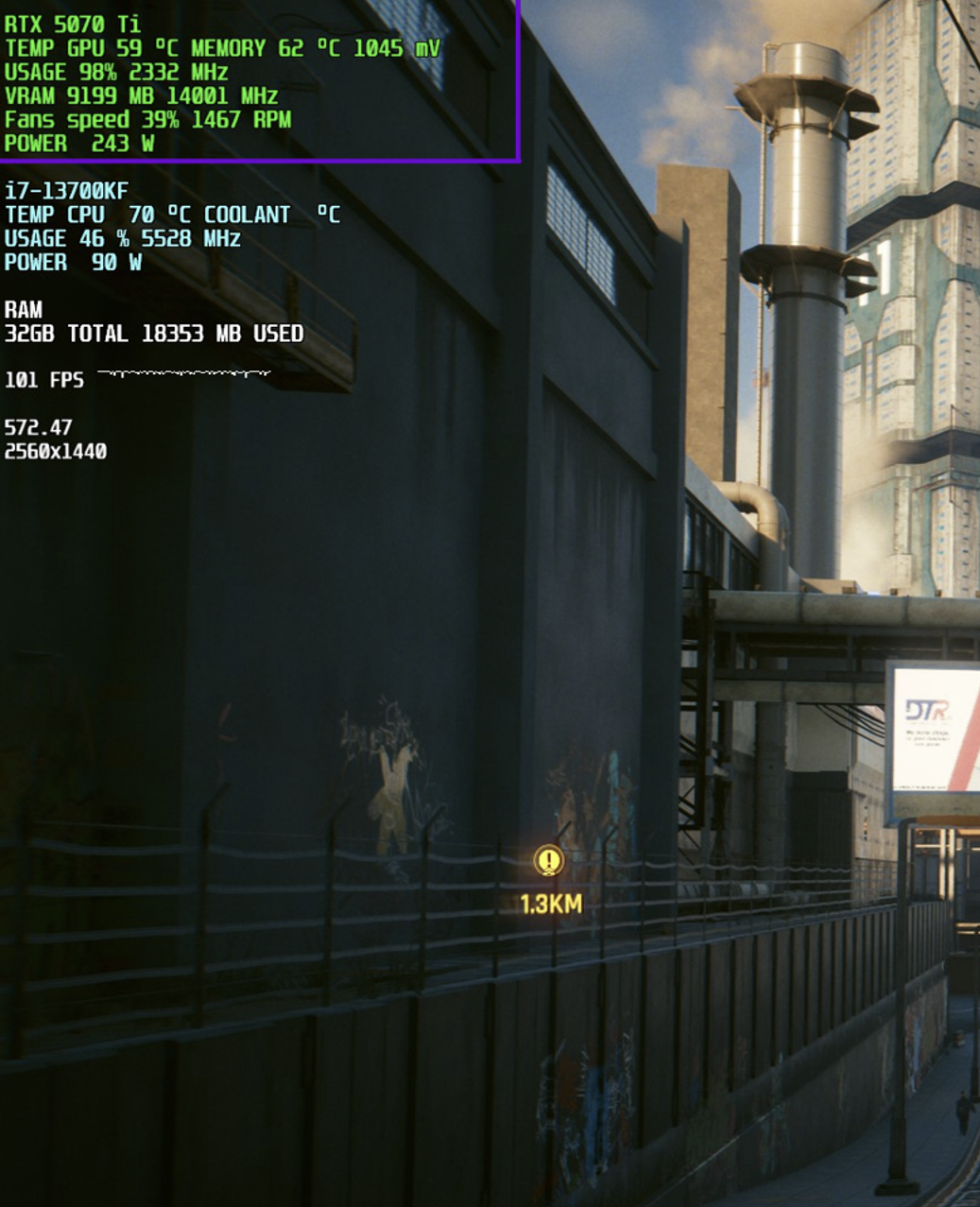
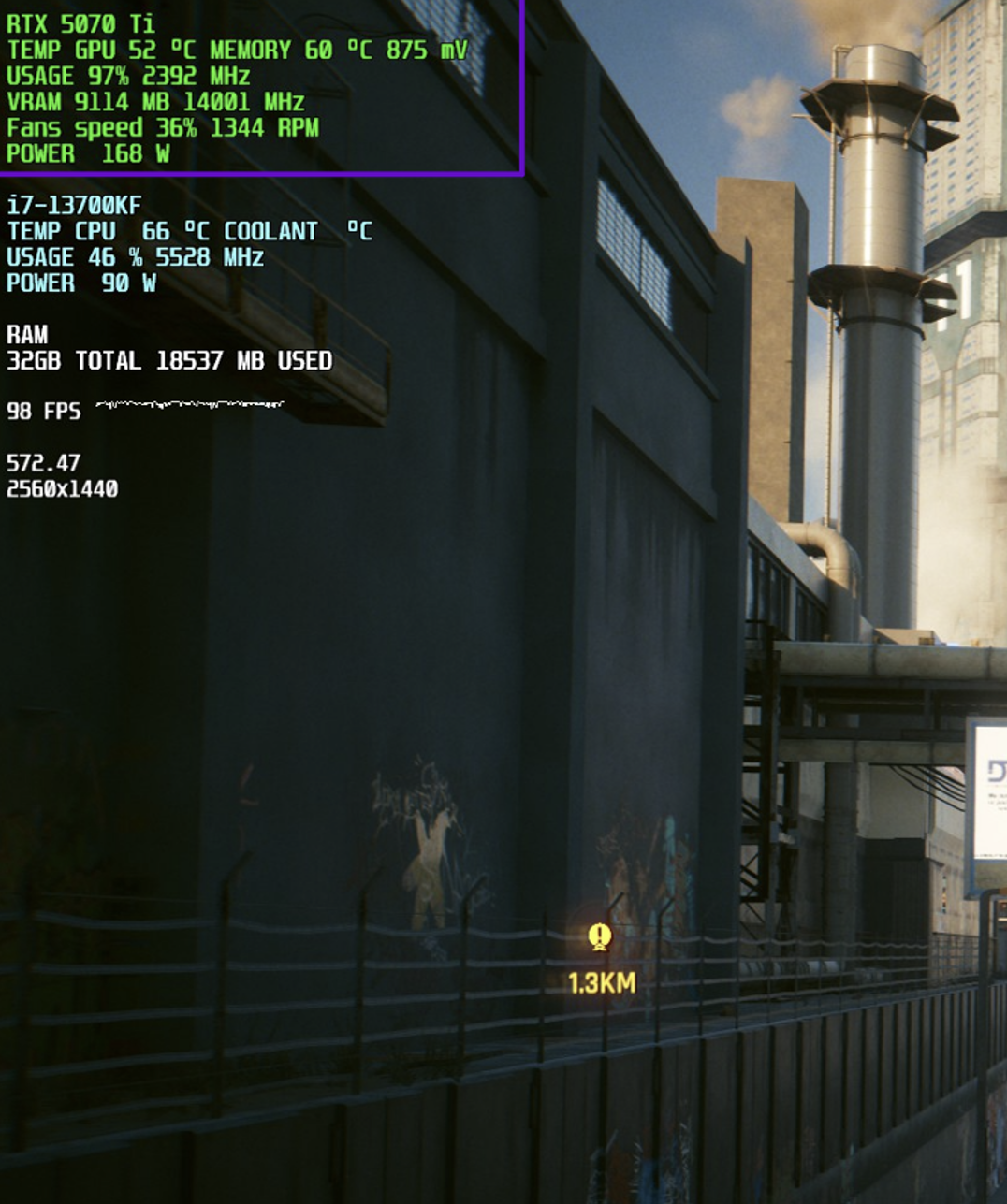
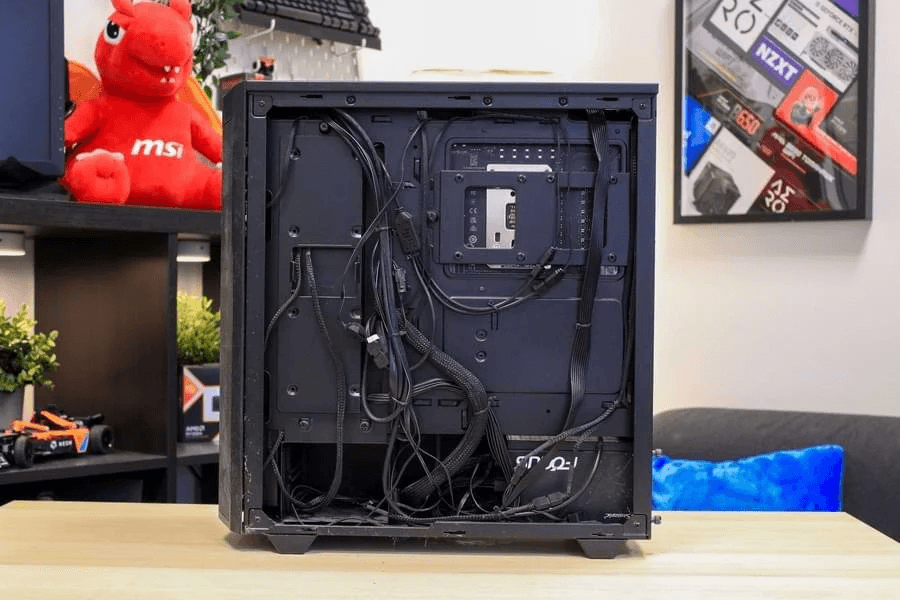
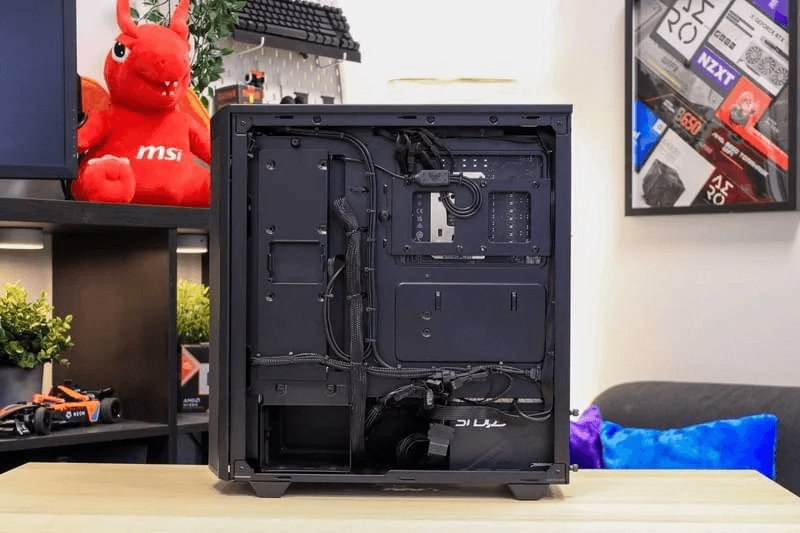
PC cable management adjustment – before and after
Cable management for a clean and professional appearance. Organized cabling is the foundation of our computers. Effective cable management presents the system in a more polished way.
What do those who are already running at full speed have to say?
Real reviews. Real performance. Real results.
What do you ask us most frequently?
Explain the issue to us.
You will communicate directly with the person responsible for diagnosing and repairing your computer.


Phone
+420 775 847 976