



Warranty claims without stress. Quick. Fair.
Prior to submitting a warranty claim, please try to identify the issue remotely, as we can often resolve it without needing to send the computer in. Send us a description of the problem, and we will be happy to assist you, even remotely.
 Remote diagnostics available
 Response within 24 hours
 Service solutions without unnecessary delays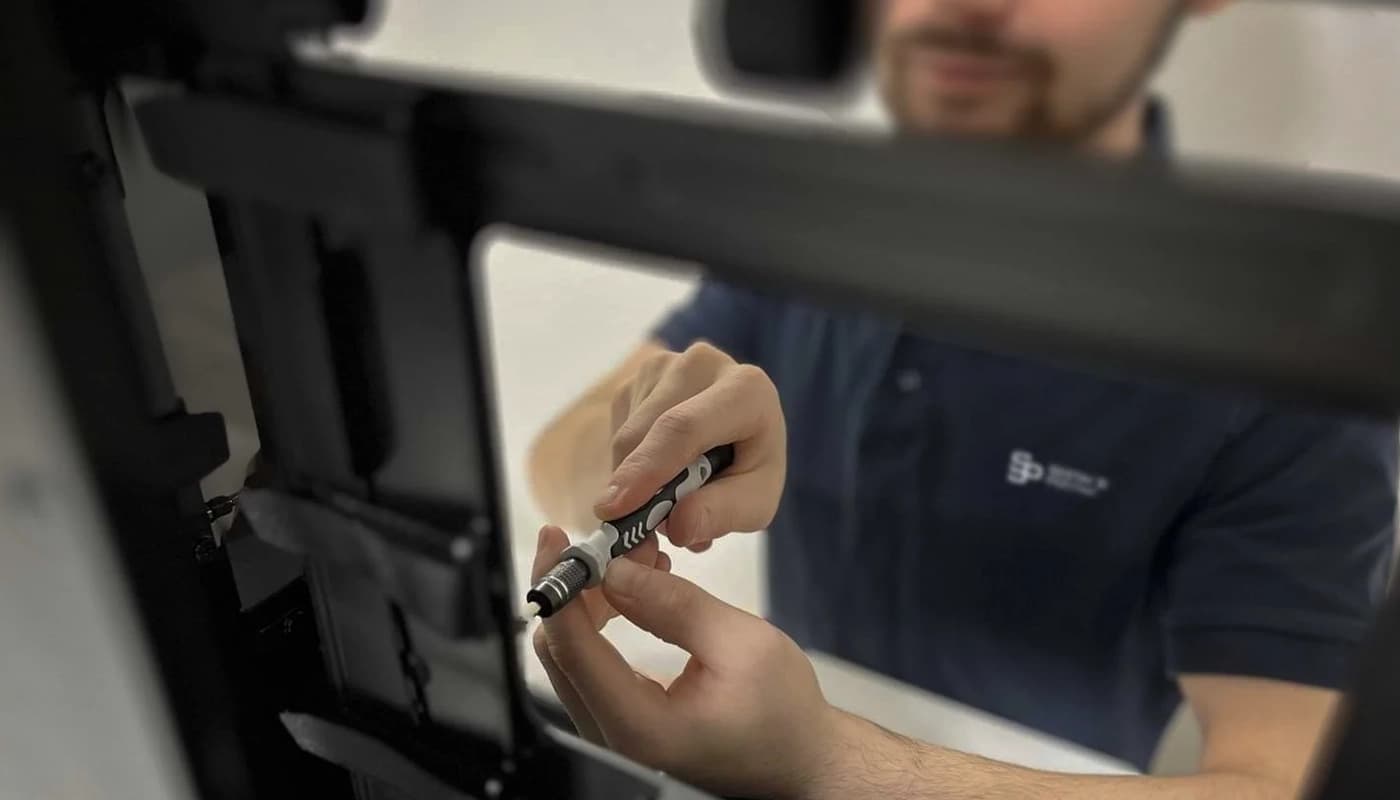
Understanding the Warranty Claim Process
Reporting the issue
You complete a straightforward form and explain the issue.
Assessment by a technician
We will confirm the validity of the warranty claim and recommend the next steps.
Repair or replacement
We will either repair the faulty part or replace it with a new one.
Testing and shipping
We will retest the build and ensure that it is safely shipped back to you.
How to proceed with a warranty claim
Despite our extensive testing and dedication to quality, there are instances when your machine may need to be sent in for inspection. Although a warranty claim might seem inconvenient, our team strives to make the process as smooth and straightforward as possible.
Contact us first
Describe the problem to us via email. We can identify most issues without needing to send in the device.
Warranty claim form
If an inspection is necessary, please submit a warranty claim using our form. After submission, we will accept the computer for the warranty claim process.
Computer delivery
You have two options for delivering the computer to us:
Courier pickup
DPD courier pickup can be arranged, and the courier will come to your location. You only need to safely pack the computer. If you don't have any packing materials, you can request them directly in the form.
Personal drop off
You can also deliver the computer in person to the following address: Brno, Kličova 1277/2a, 618 00
pages.complaint.instructions.steps.estimatedTime.title
pages.complaint.instructions.steps.estimatedTime.description
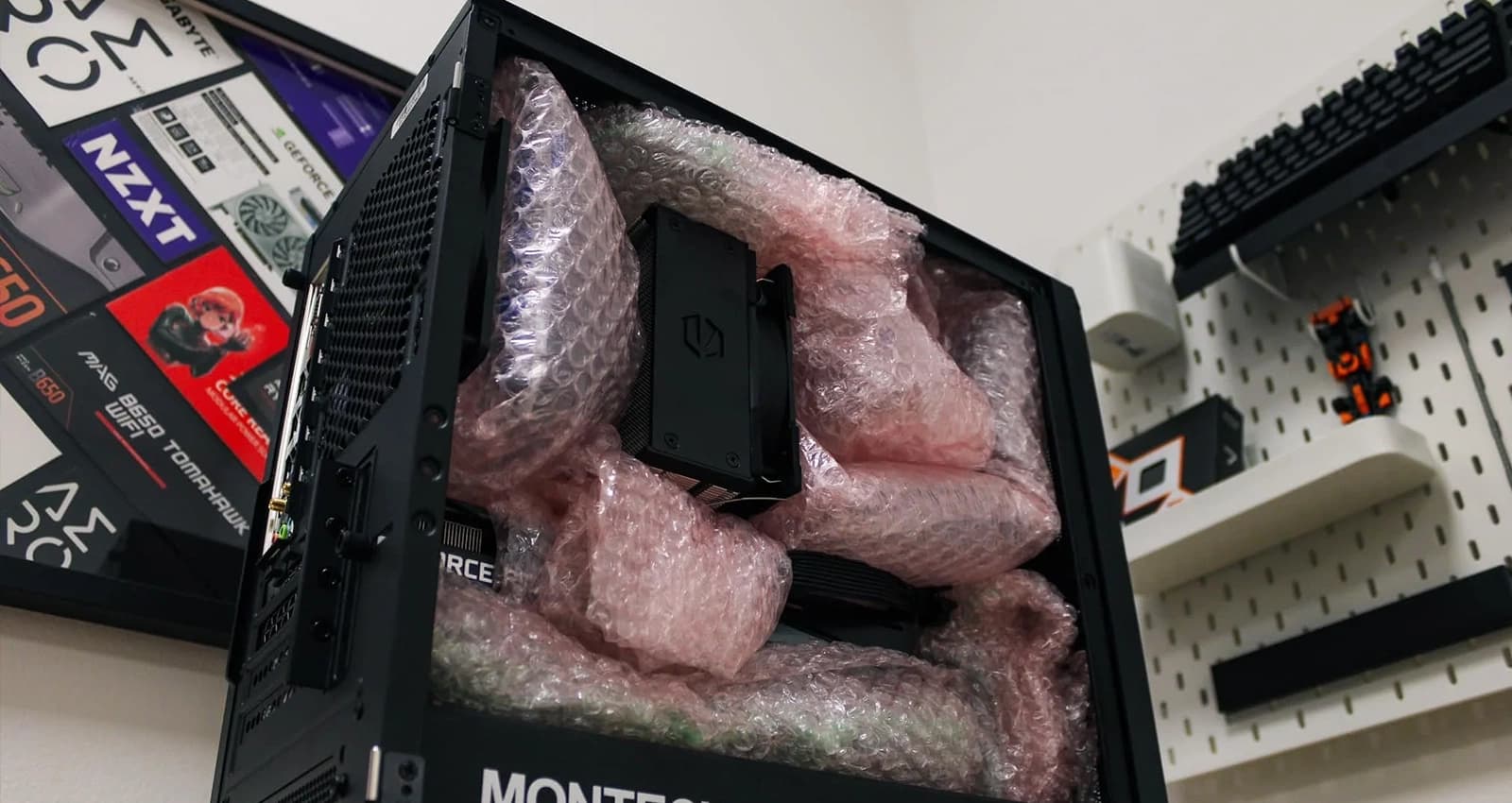
How to properly pack a computer
It is essential to secure the following items during transport:
Graphics card
Ensure that it is secured in place and cannot move vertically.
CPU cooler
When using an air cooler, secure it on all sides to prevent bending.
What do those who are already running at full speed have to say?
Real reviews. Real performance. Real results.
What do you ask us most frequently?
Explain the issue to us
You communicate directly with the individual who will diagnose and repair your computer.


Phone
+420 775 847 976